Quick answer: For most buyers in 2026, the best laptop has at least 16GB of RAM, a 512GB SSD, a current-generation processor, and a display that stays readable for hours. Start with the work you do daily, then shortlist two or three models that fit it. Reviewers often disagree on the top pick, so use the criteria below to make the final call.
Start With Your Workload, Not the Spec Sheet
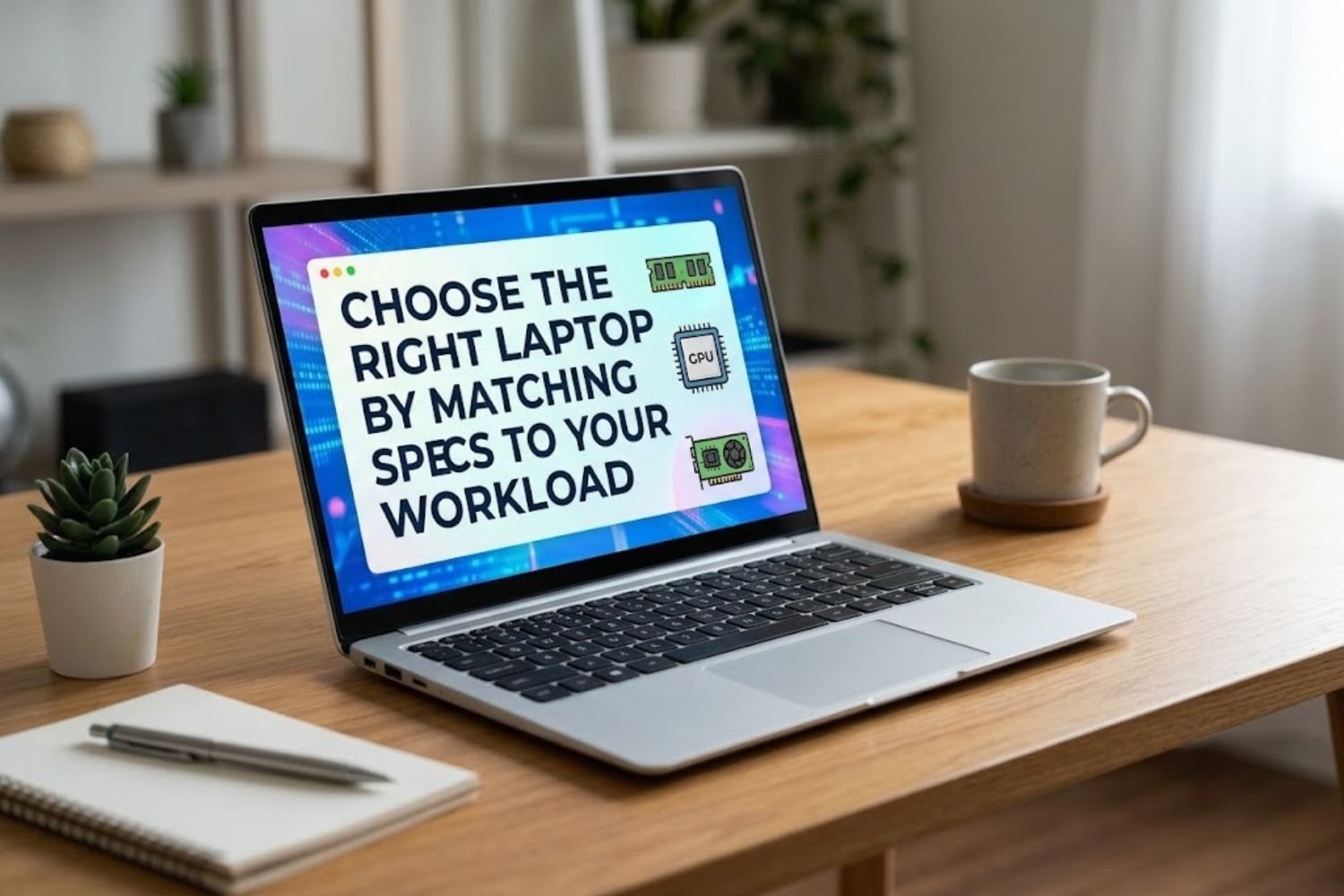
Most laptop regret comes from a mismatch between the machine and the job, not from a bad brand. A student writing essays and streaming video has different needs than a developer running local builds or an editor exporting 4K footage.
Before you compare models, answer three questions: Which apps will you run at the same time? How often will you carry the laptop? How long do you plan to keep it?
| Main use | What matters most | Target specs |
|---|---|---|
| Browsing, email, documents | Battery life, keyboard, weight | 16GB RAM, 512GB SSD |
| Students and office work | Portability, battery, durability | 16GB RAM, 512GB SSD |
| Coding and data work | Memory, sustained CPU performance | 16–32GB RAM, 512GB–1TB SSD |
| Video editing and 3D | Sustained CPU/GPU, display accuracy | 32GB RAM, 1TB SSD, dedicated GPU |
| Gaming | GPU, cooling, power supply | 16GB+ RAM, dedicated GPU, 1TB SSD |
Memory: 16GB Is the New Floor
Eight gigabytes used to be a reasonable budget choice. In 2026 it mostly isn’t. 8GB is genuinely obsolete for new Windows laptops in 2026. A dozen browser tabs, a video call, and a couple of office apps can fill it quickly, and AI features add their own memory demands. Microsoft’s Copilot+ PC category reflects this, and AI-enabled “Copilot+ PCs” require at least 16GB RAM. evetechspeedster-it
The bigger risk is soldered memory. Many thin laptops solder RAM directly to the board, so the amount you buy is the amount you keep. If you’re buying a machine with 8GB and soldered RAM, what you see is what you get for the life of the device. Check the spec sheet before you buy. Then ask yourself whether that amount will still feel adequate in three years. swappa
Memory supply has also become a factor. Some IT resellers argue that demand for AI infrastructure has left far less manufacturing capacity available for standard consumer and business-grade RAM, which pushes some makers toward lower-memory budget models. That makes the cheapest base configuration tempting, and it’s the wrong place to save money. speedster-it
Storage: SSD Only, and Size It Carefully
Skip any laptop with a mechanical hard drive. Modern SSDs are faster to boot, launch apps, and transfer files, and the difference is noticeable every day.
For most people, capacity is simpler: 512GB is the practical sweet spot. Move up to 1TB if you keep large video projects, big game libraries, or local AI models. Also check whether the drive is replaceable. A common mistake is assuming the SSD can be replaced later, which often isn’t true on thin models. thewearifythe-gadgeteer
Processors: Buy the Platform, Not Just the Name
Processor names blur quickly. Two chips with similar labels can differ in efficiency, graphics performance, and the neural processing that handles AI features. A better approach is to look at the whole platform: chip generation, integrated graphics, memory support, and battery efficiency.
Newer Intel designs, such as the Panther Lake generation, now appear in several 2026 models, including the Acer Swift 16 AI (Panther Lake). Apple’s M-series chips remain the efficiency benchmark for many reviewers. pcworld
Pay attention to sustained performance. A chip that posts strong short benchmarks can slow down under long workloads when heat builds. Reviews that test extended loads reveal this far better than a single benchmark score.
Display and Battery: Trust Tests, Not Brochures
For screens, IPS or OLED panels only is a reasonable baseline, and a brightness of around 300 nits is a sensible minimum for working near windows. OLED offers deeper contrast, but it doesn’t always win on battery life. In one 2026 review, an OLED configuration of a Dell model ran far below the entry-level panel’s battery result. Compare the panel type and the battery test together. thewearify
Manufacturer battery claims usually reflect ideal conditions, so use independent web-browsing or video-playback results when you compare models.
Ports and Connectivity
Count your ports before you buy. Many thin laptops offer only two USB-C ports and no headphone jack. The Dell XPS 13 (2026) is a good example: it has only two USB-C ports and no headphone jack. If you connect a monitor, external drive, and charger at once, a hub becomes essential. Factor that cost into your budget. itechguidesitechguides
The 2026 Shortlist (as of October)
Models change fast, so treat these as starting points, not final answers. Reviewers currently disagree on the top pick:
- PCWorld (updated October 2026) names the Acer Swift 16 AI (Panther Lake) as its best laptop overall, the MacBook Neo as best budget, and the Alienware 16X Aurora as best gaming. pcworldpcworld
- Stuff says the Apple MacBook Air M5 is the best laptop for most people, and iTechGuides agrees. stuff
The disagreement is useful. It shows that the right pick depends on what you weight most: Windows compatibility, battery life, price, or gaming performance. Use your workload table to decide which of those matters for you.
Common Mistakes to Avoid
- Buying the cheapest laptop that clears checkout. A low-cost machine with weak memory and a dim screen often feels slow within months.
- Accepting 8GB soldered RAM to save a few dollars. You can’t fix it later.
- Paying for a gaming GPU you won’t use. Heavier machines bring extra heat, fan noise, weight, and shorter battery life.
- Trusting battery claims without independent tests.
- Skipping the return policy. Check the window before you buy, especially for online orders.
A Simple Decision Framework
- List your top three daily tasks.
- Set your floor: 16GB RAM, an SSD, 512GB or more storage, and an IPS or OLED display.
- Set a budget ceiling and a weight limit.
- Shortlist three models using independent test results.
- Check for soldered RAM, port count, and the return policy.
- Choose the model that wins on your top task, not the one with the biggest number on the box.
Ready to narrow your list? Start with your workload, then browse more buyer guides at TechWoid before you commit.
Key Takeaways
- For most people in 2026, aim for 16GB RAM, a 512GB SSD, and a current processor.
- Soldered RAM is fixed for the life of the laptop, so check before buying.
- Pick the laptop for your main tasks, not the biggest spec number.
- Trust independent battery and performance tests over manufacturer claims.
- Reviewers disagree on the top pick, so use a clear decision framework.
FAQ (publish at the end of the article)
Is 8GB RAM enough for a laptop in 2026?
For light browsing and email, it can work, but most buyers will find it limiting within a few years. Aim for 16GB, especially if you use AI features or many browser tabs.
How much RAM do I need in a laptop?
Sixteen gigabytes covers most users. Choose 32GB for heavy video editing, data work, or local AI models.
Is 512GB enough storage for a laptop?
For most people, yes. Choose 1TB if you store large video libraries, game installs, or big creative projects.
Should I buy an OLED or IPS laptop screen?
OLED offers stronger contrast and color. IPS often gives better battery life and lower cost. Choose based on your work and compare battery tests for the specific model.
What is soldered RAM?
It’s memory attached directly to the motherboard. You can’t upgrade it later, so buy the amount you’ll need for the full life of the laptop.
Are HDDs still worth buying in a laptop?
Generally no. SSDs are much faster for booting, launching apps, and transferring files.
What is an NPU, and do I need one?
An NPU (neural processing unit) accelerates certain AI tasks on the device. Whether you need one depends on the AI features you plan to use.
Is a MacBook or Windows laptop better in 2026?
Neither is better for everyone. MacBooks lead on battery efficiency and build quality. Windows laptops offer more hardware choice, touchscreens, and gaming options.
Do I need a gaming laptop for everyday use?
No. Gaming laptops are heavier and run hotter, and their battery life is shorter. Choose one only if you play demanding games.
How long should a laptop last?
Many buyers keep laptops for several years. Buying with enough memory and storage up front helps the machine stay useful longer.