Most creators don’t need twenty AI tools. They need three or four that match where their process actually slows down, and they need to know which tools will eat more time than they save. This guide covers the best AI tools for content creators in 2026, grouped by the job they do: writing, research, SEO, visuals, audio, and workflow. Each section includes trade-offs, not just features, so you can pick a stack that fits your work.
How to Choose AI Tools Before You Pay for Anything
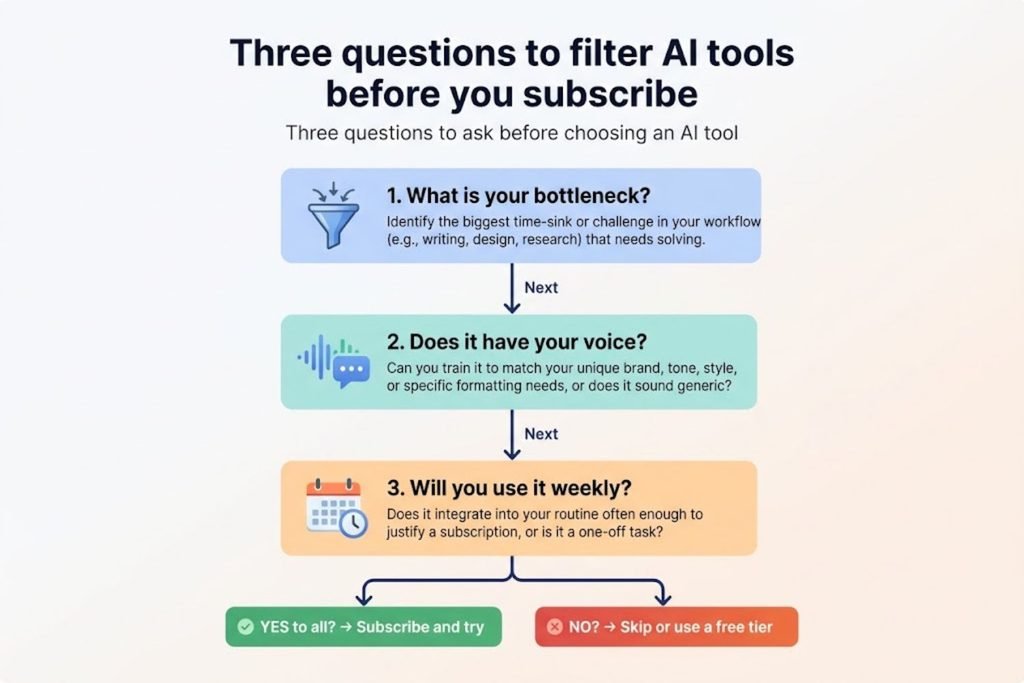
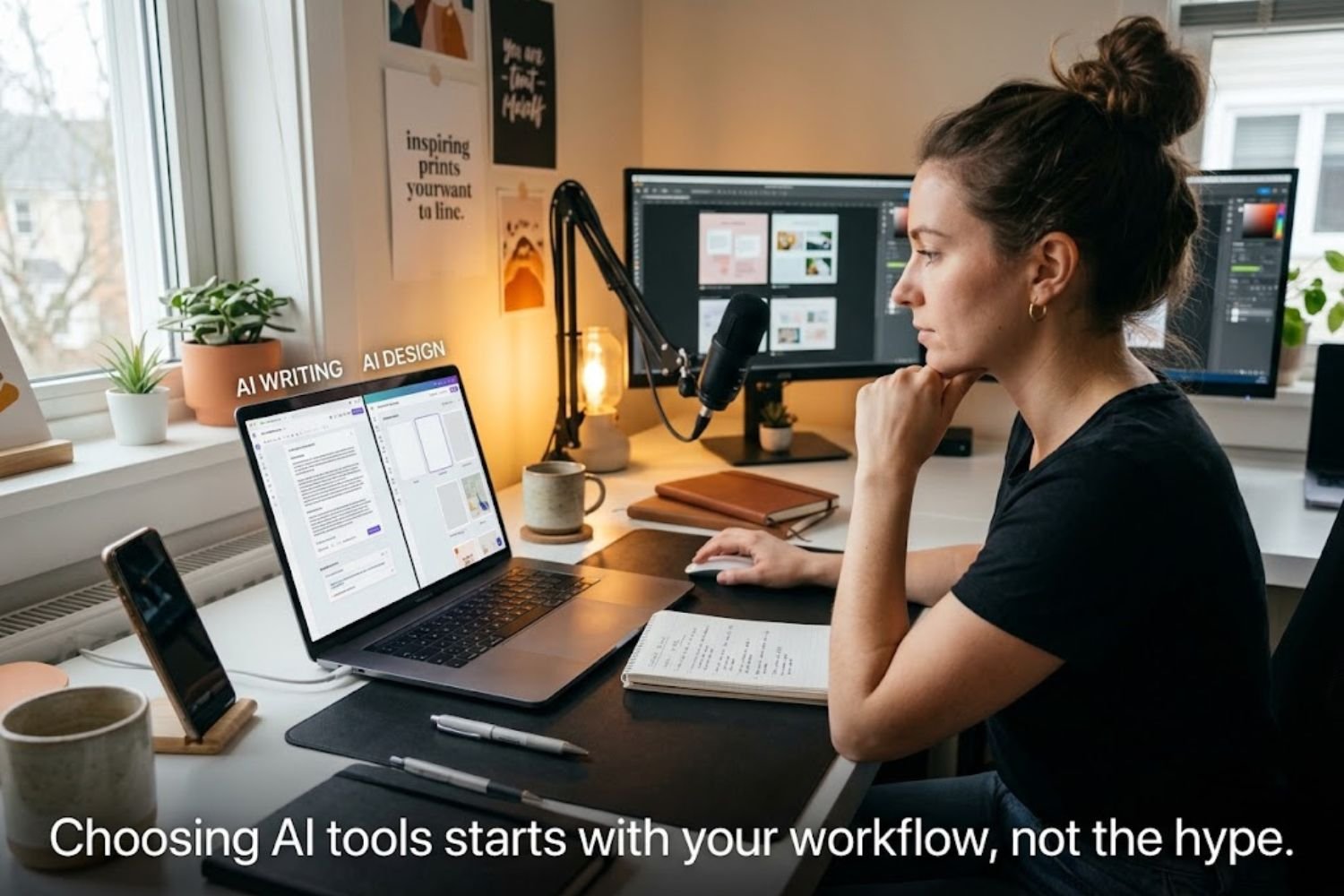
Start with the bottleneck. Is it generating ideas, drafting, editing, optimizing for search, or producing visuals and video? A tool that’s excellent at one stage can be a poor fit for another.
Ask three questions before you subscribe:
- Where do I lose the most hours? Track your process for one week. Most creators find the drag is in research or editing, not in the first draft.
- Does the output sound like me? If you spend twenty minutes rewriting every paragraph, the tool isn’t saving time.
- Will I actually use it weekly? Unused subscriptions are the most common hidden cost.
The Best AI Writing and Research Tools
ChatGPT and Claude for drafting and editing
General-purpose assistants handle most drafting, outlining, and editing work. They’re strongest when you give them context: your audience, your angle, examples of your past writing, and what you want the piece to avoid. Ask for a rewrite of a paragraph you already wrote, not a full article from scratch. You keep the thinking and the voice, and the tool handles the mechanical parts.
Perplexity for sourced research
Perplexity answers questions with linked sources, which makes it useful for fact-finding before you write. Treat its summaries as a starting point. Open the sources and check the claims that matter, especially numbers and dates.
Jasper for brand voice across a team
Jasper is built for marketing teams that need consistent output. Its main value is keeping multiple writers on one brand voice. If you’re a solo creator, you probably don’t need it. If you manage three or more people publishing content, it’s worth a trial.
AI Tools for SEO and Search Visibility
Surfer SEO for live content scoring
Surfer scores your draft against the target keyword while you write, so you can see gaps in coverage and terminology. It works best as a checklist, not a rulebook. Use it to catch missing subtopics, then write for the reader, not for the score. Pages stuffed to hit a number usually read badly.
Writesonic and the rise of GEO tracking
Search is changing. Readers now get answers from AI assistants as well as from Google results. Writesonic includes generative engine optimization (GEO) features that track how content appears in AI-powered search tools. One review describes it as a way to see whether AI assistants cite your content, which most traditional SEO tools don’t show. This is worth watching if you publish reference content, but measure the results before you build a strategy around them.
Visual, Audio, and Video Tools
Canva AI for fast visuals
Canva’s AI features help you generate images, resize designs for each platform, and produce social graphics quickly. It’s a practical choice for creators who need consistent branding without a designer. Build a template once and reuse it.
Descript for editing spoken content
Descript edits audio and video by editing the transcript. Delete a filler word in the text and it’s removed from the recording. For podcasters and YouTubers, this can cut editing time significantly. The trade-off is that you need to listen back, because transcription errors happen.
Transcription and Workflow Tools
Otter.ai for interviews and notes
Otter transcribes meetings and interviews and generates summaries. Use it to capture quotes accurately, then verify names and technical terms before you publish. Never quote from an unverified transcript.
Notion AI for planning
Notion AI helps you summarize notes, draft briefs, and organize editorial calendars inside a workspace you may already use. Pricing depends on your Notion plan, and AI access has changed over time, so confirm the current cost before committing.
A Starter Stack by Creator Type
| Creator type | Core stack | Why it fits | Watch out for |
|---|---|---|---|
| Solo blogger | Claude or ChatGPT, Perplexity, Surfer SEO | Covers drafting, research, and on-page optimization | Overlapping writing tools you rarely use |
| YouTube or podcast creator | Descript, Canva AI, Claude or ChatGPT | Speeds editing, thumbnails, and scripting | Transcript errors in published captions |
| Small content team | Jasper or Notion AI, Surfer SEO, Otter.ai | Shared voice, workflow, and interview capture | Per-seat costs that add up quickly |
Mistakes That Cost Creators Time and Credibility
- Publishing unedited drafts. AI output still needs fact-checking. Long-form content often contains claims that sound right but aren’t.
- Stacking tools with overlapping features. Two writing assistants usually mean two places to paste, two subscriptions, and no clear winner.
- Chasing a perfect score. Optimization tools reward coverage. Readers reward clarity and original insight. Balance both.
- Trusting stats in roundup posts. Many “best tools” articles cite figures without sources. Verify any number before you repeat it.
- Skipping your own experience. Google’s guidance on helpful content rewards pages that show first-hand knowledge. Add your testing notes, screenshots, and opinions. A generic summary of features won’t stand out.
Key Takeaways
- Choose tools by workflow bottleneck, not by popularity.
- A focused stack of three or four tools usually beats a long list.
- Use AI for drafts, research, and optimization, then edit for accuracy and voice.
- Verify prices and statistics before you buy or publish.
- Add first-hand testing and original examples to stand out from feature-list articles.
Final Thoughts and Next Step
The best AI tool is the one that removes your slowest step without weakening your work. Pick one tool for your current bottleneck, run it for two weeks, and measure the time saved and the quality of the output. Then decide whether to add another.
Want more hands-on workflows for creators? Explore the guides at TechWoid and see how to build a content process that scales.
Key Takeaways
- Pick tools based on your biggest bottleneck, not on trend lists.
- Three or four well-chosen tools usually outperform a long subscription list.
- Use AI for drafting, research, and optimization, but edit every output for accuracy and voice.
- Verify current pricing and any statistics before you buy or publish.
- Add first-hand testing and original examples to stand out.
FAQ
- What are the best AI tools for content creators in 2026?
For writing and research, most creators start with ChatGPT or Claude and Perplexity. For SEO, Surfer SEO is a common choice. For visuals, Canva AI, and for audio or video editing, Descript. The right mix depends on your workflow. - Are AI tools worth paying for?
They can be, if they remove a real bottleneck you deal with every week. Test a free tier or short trial first and track the hours saved against the cost. - Can AI write content that ranks on Google?
AI can help produce useful content, but rankings depend on quality, accuracy, and usefulness to readers. Google’s helpful content guidance focuses on people-first content, not on how the content was produced. - What is the best free AI tool for content creators?
Free tiers from general assistants are the easiest starting point. Limits change often, so check the current plan details on each vendor’s site. - Do I need separate tools for writing and SEO?
Not always. A general assistant can draft and outline, but a dedicated SEO tool helps with keyword coverage and on-page checks. Add one only if search traffic is a core goal. - What is generative engine optimization (GEO)?
GEO is the practice of making content more likely to be cited or surfaced in AI-powered answer tools, in addition to traditional search. It’s an emerging area, and tracking tools are still evolving. - Do AI detection tools reliably identify AI writing?
Not reliably. Detection results can be inconsistent, so focus on editing for accuracy, originality, and voice rather than trying to pass a detector. - How do I keep my voice when using AI tools?
Give the tool examples of your past work, write your own opening and conclusion, and rewrite any sentence that sounds generic. Your experience and opinions are what readers come for. - Which AI tool is best for YouTube creators?
Descript is useful for editing, Canva AI for thumbnails and graphics, and a general assistant for scripting. Pick based on whether editing, design, or scripting takes the most time. - Should I disclose that I use AI tools?
Disclosure norms vary by platform and audience. Be transparent if AI materially shaped the work, and always take responsibility for accuracy.